Is the Nano Banana 2.5 Image Editor Worth It? Features, Tips, and Breakdown
Every week a new app promises to fix your photos with one click. It is fair to ask whether the hype is real. The Nano Banana 2.5 image editor is one of the most talked about names in AI photo editing, because it works from natural language. You type a request, and the tool changes the image. This breakdown looks at what it does well, where it falls short, what it costs, and who should try it. You will see how it handles object removal, background replacement, and image quality, plus tips to get better results. By the end, you can decide if it deserves a spot in your toolkit.
Quick Verdict
For most casual creators, bloggers, small shops, and social media users, yes, it is worth trying. It saves time on everyday edits and needs almost no training. For work that needs exact pixel control, perfect text, or very large prints, it is better as a helper than as a full replacement for a classic editor.
Key Takeaways
- Nano Banana is the nickname for Google’s Gemini 2.5 Flash Image model, released on August 26, 2025.
- You edit with plain sentences, so there is almost no learning curve.
- Google lists the model at about $0.039 per image for developers, while apps set their own plans.
- Text inside images, exact detail control, and resolution are the main weak spots.
- Always test on your own photos before you commit to a paid plan.
What Is It, in One Minute?
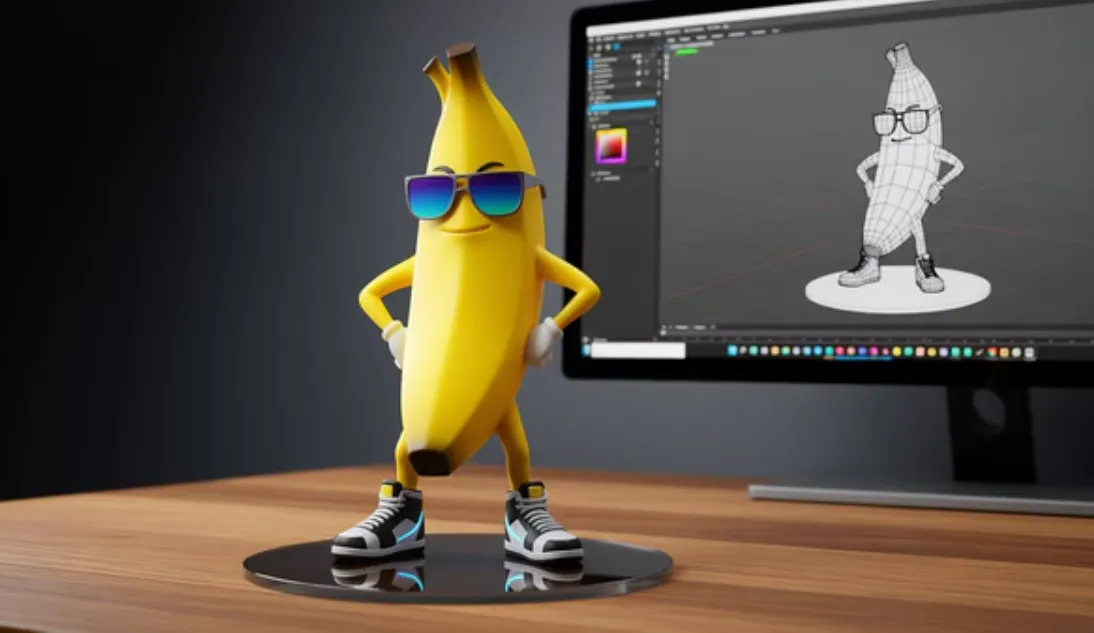
Nano Banana is Google’s popular nickname for Gemini 2.5 Flash Image, a model that both creates and edits images. Many guides add 2.5 to point to the version. Apps such as CapCut add Google’s image models to their own tools, and the model that appears in your app can change over time. One review of CapCut’s Nano Banana 2.5 page noted that 2.5 was marked as coming soon while Nano Banana Pro was already live, so check the tool page for what your account offers.
Feature Breakdown
Here is what Google says the model can do, and what that means for you.
| Feature | What it means for you | Our take |
| Natural language edits | Type a change and it happens | Very easy to learn |
| Targeted edits | Only the part you name should change | Works best with clear, short requests |
| Multi-image blending | Combine photos into one scene | Handy for mockups and new settings |
| Character consistency | Keeps a person or object recognizable across images | Good, but Google says it is still improving |
| World knowledge | Understands real things like weather, rooms, and objects | Helps edits look natural |
| SynthID watermark | Invisible mark that flags AI made images | Good for honesty and trust |
| Aspect ratio choices | Ten shapes supported for creation | Useful for social and video |
The Good Parts
It Is Fast to Learn
Most tools ask you to learn layers, masks, and sliders. Here you write a sentence. A beginner can remove a distracting object or change the background on the first try.
It Handles Everyday Jobs Well
Think of simple tasks such as cleaning up a background, changing the color of a shirt, adding a new setting behind a product, or bringing old family photos back to life. These are the jobs people do most, and they fit the tool well.
It Is Affordable to Test
Google’s developer price of about $0.039 per image is low for testing, and many apps offer free trials or credits. You can try the tool on a few photos before you spend real money.
It Keeps Characters Steady
Google highlights the ability to keep a character or object looking the same across several images. That matters for anyone making a series of posts, a mascot, or a set of product shots.
The Weak Parts
Text Inside Images
Long or exact text is still a weak spot. Google says it is working on better long text rendering. If your design needs a precise slogan or a legal notice, add the words yourself in a normal design app.
Fine Control
A manual editor lets you move a single pixel or match a brand color exactly. An AI editor makes its own choices. You can guide it, but you cannot force every detail.
Resolution Limits
A CapCut guide says the original Nano Banana is limited to about 1024 by 1024 pixels with basic upscaling, while the newer Pro model offers native 2K with support for 4K upsampling. If you print posters or need crisp large files, check the output size first.
Speed on Detailed Prompts
A CapCut comparison guide says the original model may take about 12 to 15 seconds on a detailed prompt, and that Pro can finish similar work in under 10 seconds. Those are the company’s figures, so expect your own times to vary with your app and connection.
Changing Availability
Apps update their model lists often. A tool that offers one model today may add or drop another next month. Read the current page before you build a workflow around one version.
What It Really Costs
The cost depends on where you use it.
| Where | Cost notes |
| Google developer service | About $0.039 per image for Gemini 2.5 Flash Image |
| Creative platforms | Often credits, for example Krea lists about 30 credits per generation |
| CapCut | Uses a membership model, and some features need a paid plan or vary by region |
Do a quick test with free credits or a trial first. Count how many tries it takes to get one good edit, because that decides your true cost per finished image.
Editor’s Comparison: AI Editing vs Manual Editing
| Task | AI editor like Nano Banana | Manual editor |
| Swap a background | Fast, one sentence | Slower, needs skill |
| Remove a small object | Fast, but check the filled area | Precise, but takes time |
| Match an exact brand color | Approximate | Exact |
| Add exact text | Unreliable for long text | Exact |
| Make many edits in one style | Easy with a saved prompt | Possible with presets |
| Learning time | Minutes | Weeks or months |
The best answer for many people is both. Use the AI tool for quick creative work, and use a manual editor for final touches and exact text.
Who Should Use It?
A good fit if you are:
- A blogger or social media creator who needs fresh visuals often.
- A small shop owner who wants better product photos without a studio.
- A student or hobbyist who wants to learn image editing without a steep climb.
- A designer who wants fast drafts and mood boards.
You may want to skip it if you are:
- A print professional who needs exact color and very large files.
- A person who must edit private or sensitive images and cannot upload them.
- A team that needs legal certainty on commercial use and has not read the terms yet.
Case Studies: How Others Use the Model
Cartwheel. The 3D posing tool maker said it spent months on a feature called Pose Mode and found other models lacking in control and consistency. Google reports that the team paired its tool with Gemini 2.5 Flash Image to get both.
Volley. The studio behind the game Wit’s End uses the model to make and edit character portraits and scene stills during play, according to Google’s developer blog.
Krea. The creative platform lists Gemini 2.5 Flash Image as the model behind its Nano Banana option and tells users to write naturally, show how objects relate, and use reference images to set a style.
These are company reported examples. They show that the model is used for real products, but your own photos are the best test.
7 Tips to Get More From It
- Start with a sharp photo. Better input gives better output.
- Ask for one change at a time. Short steps are easier to control.
- Say what to keep. For example, keep the face and hair unchanged.
- Write the setting clearly. Name the place, the light, and the mood.
- Use reference photos for style. A visual example beats a long written explanation.
- Zoom in before you export. Check hands, eyes, edges, and text.
- Save your best prompts. A small library saves time on your next project.
A 30 Minute Test Plan
Before you pay for anything, run this quick test.
- Pick three photos: one portrait, one product, and one busy street scene.
- Try one simple edit on each, such as a cleaner background.
- Try one harder edit, such as changing the light.
- Zoom in and note any flaws.
- Count how many tries each edit took.
- Compare the time and cost with your current method.
If two of the three edits work in a couple of tries, the tool will likely help you.
Use It Safely
- Get permission before you edit photos of other people.
- Do not pass off AI images as real photos when that could mislead someone.
- Skip uploading private or sensitive images.
- Read the terms of use before you publish client or brand work.
Google states that images made or edited with Gemini 2.5 Flash Image carry an invisible SynthID watermark, so viewers and platforms can tell that AI was involved.
Frequently Asked Questions
What is the Nano Banana 2.5 image editor?
It is an AI editing tool that uses Google’s Nano Banana model, also called Gemini 2.5 Flash Image. You write what you want changed, and the tool edits the image.
Is it good for beginners?
Yes. You do not need to learn layers or masks. Clear, short sentences are enough to start.
Can it replace Photoshop?
Not fully. It is great for fast, creative edits. For exact color, exact text, and print work, a classic editor still gives more control.
Is the quality good enough for social media?
For most social posts, yes. For large prints, check the output size and consider a newer model with higher resolution.
Does it keep the same face across images?
It is built to keep a character recognizable, but Google notes that consistency is still improving. Use reference photos and always check the results.
Is it safe for commercial work?
Rules differ by app and plan. Read the terms first, and avoid using real people or protected brands without permission.
Final Thoughts
The Nano Banana 2.5 image editor earns a fair yes for everyday creative work. It is fast, easy to learn, and low cost to test, and its weak spots are clear: text, fine control, and resolution on the older model. Try the 30 minute test on your own photos, count the tries, and compare the result with your usual method. If it saves you time without hurting quality, keep it in your toolkit. If not, you have lost very little. Check the official tool page to see which model your account offers today.